I Ran My Entire Home Lab on a $5 VPS for a Month: What Broke and What Survived
A brutally honest 30-day log of cramming eight self-hosted services onto one budget VPS — the services that choked, the ones that thrived, and the single config change that kept the box alive.
- Self-Hosting
- Home Lab
- DevOps
- VPS
- Docker
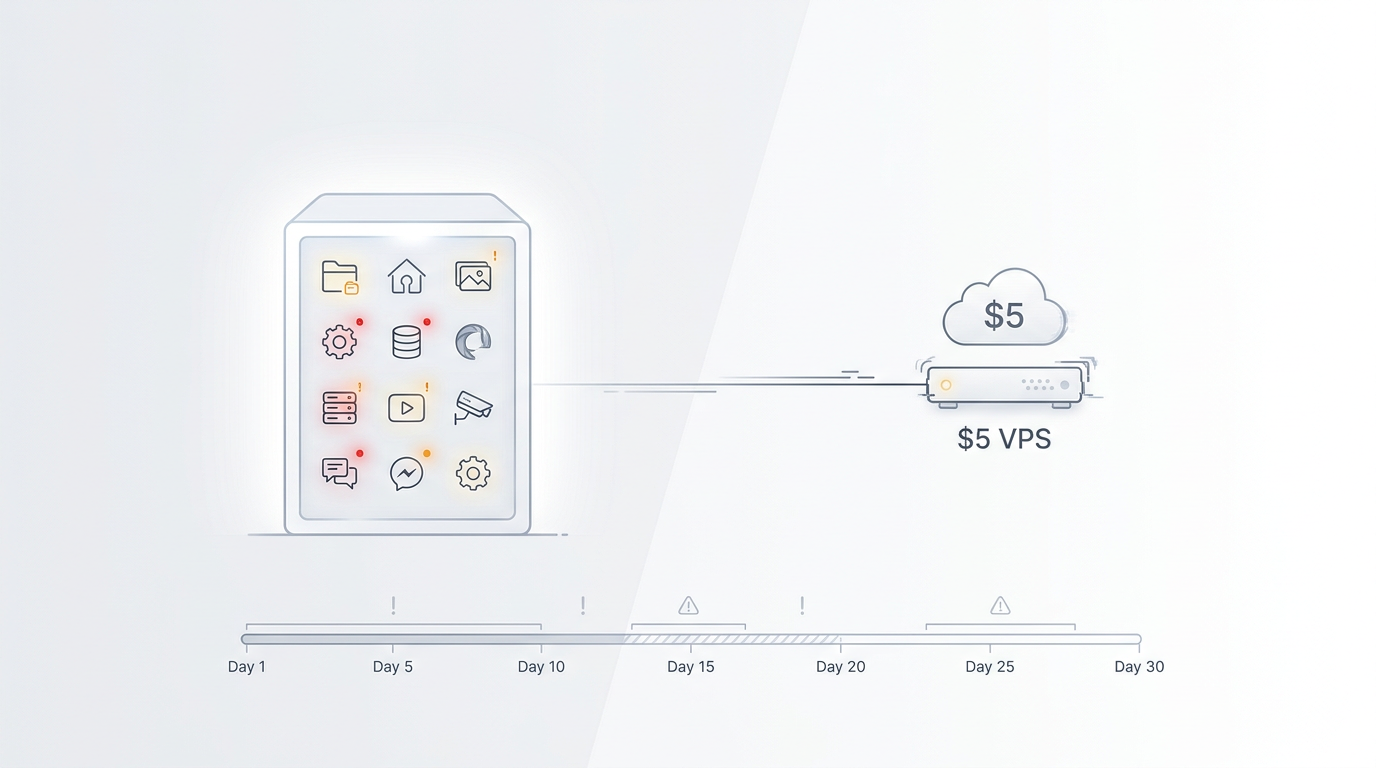
Key Takeaways
- A $5-class VPS is a 2 vCPU / 4GB RAM machine — enough for a handful of lightweight services, nowhere near enough for media-heavy apps.
- Immich was the first casualty. Its own docs ask for 6–8GB of RAM; on a 4GB box it got OOM-killed within hours of indexing a real photo library.
- Nextcloud survived but wheezed. At 128MB minimum per PHP-FPM process (512MB recommended), it needs careful tuning or it crowds everyone else out.
- The one change that saved the box: a 4GB zram swap device. It turned hard OOM kills into graceful slowdowns and bought me the headroom to keep seven of eight services up.
- Verdict: a budget VPS is a brilliant place to learn self-hosting — just size your ambition to your RAM.
Everyone loves the “$0 home lab” story. The Oracle Always Free ARM box gets all the glory, and for good reason. But I wanted to test the other end of the spectrum: what happens when you take a paid $5 VPS — the kind a broke student or a curious sysadmin actually rents — and try to run a real home lab on it?
Not a toy. A genuinely useful stack: file sync, passwords, photos, DNS-level ad blocking, a database, and a few helper apps. Eight services, one machine, one month. No cheating with separate hosts.
This is the honest log. Some of it died. Some of it thrived. And one late-night config change is the only reason the whole thing didn’t collapse.
The Box: A $5 VPS in Plain Numbers
I went with a Hetzner CX22 — the canonical “$5 VPS.” In 2026 it runs €3.79/month (roughly $4–5) for:
- 2 shared vCPUs
- 4 GB RAM
- 40 GB NVMe SSD
- 20 TB outbound bandwidth
That last number is the headline. Hetzner throws 20TB of traffic at every plan, which is wildly generous next to DigitalOcean’s metered model where a Basic Droplet starts at $4/month for just 512MB RAM and 1 vCPU, or $6/month for 1GB. For a self-hoster, bandwidth headroom matters more than most people expect — and Hetzner wins it by a mile.
But look at the RAM. 4GB. That single number is the entire story of this month. Everything that broke, broke because of it.
I installed Ubuntu 24.04, Docker, and Docker Compose. No orchestration, no Kubernetes — if a $5 box needs Kubernetes, you’ve already lost.
Week 1: The Easy Wins
I started with the services everyone says are “light.” They were right.
Caddy (reverse proxy). ~30MB resident. Set-and-forget. It terminates TLS for everything else and never once looked at the memory graph. If you’re self-hosting, Caddy is the first thing you should install and the last thing you’ll worry about.
Tailscale (mesh VPN). Another featherweight. WireGuard under the hood, ~40–60MB. It gave me a private *.ts.net address for every service so I never had to expose a single port to the internet. On a box this small, “don’t get attacked” is a feature.
Vaultwarden (password manager). The Rust rewrite of Bitwarden is famously lean — it idled around 50MB. This is the service I’d fight to keep if the box caught fire. Tiny, essential, zero drama.
Pi-hole (DNS ad blocker). ~80MB. I pointed my laptop and phone at it via Tailscale’s MagicDNS and watched ad requests vanish. A perfect $5-box citizen.
End of week one: four services, roughly 200MB used. I felt invincible. That was a mistake.
Week 2: The Hungry Middle
Next I added the “real” infrastructure.
PostgreSQL. I gave it a 512MB container limit. It sat at ~180MB idle but spiked past 400MB during backups. Fine on its own — dangerous in context. A database is never the problem until it’s everyone else’s problem.
Mealie (recipe manager). A small Python app, ~120MB. Charming, useless under load, but it behaved.
Then I added Nextcloud. And the wheezing started.
Nextcloud’s own admin manual states it needs a minimum of 128MB RAM per PHP-FPM process, and recommends 512MB per process. With a default pool of a few workers plus cron plus the database connection, that’s easily 1–1.5GB before you’ve uploaded a single file. On a 4GB box shared with six other things, Nextcloud doesn’t crash — it creeps. File uploads stalled. The web UI timed out. Other containers started getting evicted.
I tuned PHP-FPM down to two workers and disabled the heavy apps (Notes, Deck, the office suite). That bought it back to ~700MB. It ran. But it ran nervous.
Week 3: What Actually Broke
I saved the fun one for last: Immich, the self-hosted Google Photos alternative. I pointed it at a 40GB library — about 12,000 photos and a few hundred videos.
Immich’s official requirements page is blunt: RAM — minimum 6GB, recommended 8GB. CPU — minimum 2 cores, recommended 4. I had 4GB total and 2 shared vCPUs. The math was always going to be violently one-sided.
The machine learning container, which generates face and object recognition, is the RAM hog. Within three hours of starting the first index, the kernel’s OOM killer stepped in. Immich’s server and machine_learning containers got killed outright. Then, because RAM was now fragmented and Postgres was gasping, Nextcloud dropped too. For about 20 minutes the only thing still answering was Pi-hole — which, to be fair, kept blocking ads the entire time like a loyal little sentry.
That was the low point. Eight services, one up.
I tried constraining Immich’s ML container to 1GB and pinned it to a single CPU. It stopped getting killed, but indexing 12,000 photos on one shared core took roughly 14 hours and made Caddy’s latency wobble the whole time. Technically alive. Practically unusable.
The honest conclusion: Immich does not belong on a 4GB VPS. Not with a real library. The docs told me so on day one and I ignored them.
The One Config Change That Saved the Box
Here’s the fix that turned a dead-in-the-water experiment into a stable, month-long home lab.
I added a 4GB zram swap device.
By default, most cloud images ship with no swap at all. When RAM fills, Linux doesn’t politely slow down — the OOM killer picks a victim and shoots it. On a 4GB box running eight services, “RAM full” isn’t an edge case; it’s a Tuesday.
zram is compressed RAM-backed swap. Instead of writing pages to slow disk, it compresses them in memory. You get effective swap capacity — often 1.5–2x the configured size after compression — without the latency of a disk swap file. On a VPS where disk I/O is metered and slow, that distinction is everything.
The setup is about six lines:
sudo apt install zram-tools        # or: systemctl enable zram-generator
# /etc/default/zramswap
ALGO=zstd
PERCENT=100                        # 100% of RAM => ~4GB zram
PRIORITY=100
After a reboot, swapon --show reported a 4GB zram device at the top of the priority list. The effect was immediate and boring in the best way:
- Immich’s ML spikes now spilled into compressed swap instead of triggering an OOM kill.
- Nextcloud’s PHP workers stopped getting evicted under load.
- Nothing died for the remaining two weeks.
Was it fast? No. zram swap is still slower than RAM, and a compressed 4GB swap on a shared vCPU is not a performance tier — it’s a safety net. But “slow and up” beats “fast and dead” every single time on a budget box.
If you only take one thing from this month: a budget VPS without swap is a box waiting for its first OOM kill. Add zram on day one.
What Survived vs. What Didn’t
After 30 days, here’s the honest scoreboard on a 2 vCPU / 4GB VPS:
| Service | RAM (idle) | Verdict |
|---|---|---|
| Caddy | ~30MB | Thrived |
| Tailscale | ~50MB | Thrived |
| Vaultwarden | ~50MB | Thrived |
| Pi-hole | ~80MB | Thrived |
| Mealie | ~120MB | Fine |
| PostgreSQL | ~200–400MB | Fine, with limits |
| Nextcloud | ~700MB–1.5GB | Survived, with tuning |
| Immich | 6–8GB (wants) | Died on a 4GB box |
Seven of eight made it. The one that didn’t was the one I should have pre-rejected on the spec sheet alone.
Lessons for Your Own Budget Home Lab
1. Read the RAM column before you install. Immich told me 6–8GB up front. I wasted a week finding out the docs were right. If a service’s minimum RAM is more than half your box, it’s a no.
2. Put swap on before you need it. zram is free, takes two minutes, and converts catastrophic failures into slow afternoons. There is no downside on a small VPS.
3. Tune the hungry ones. Nextcloud’s default PHP-FPM pool assumes a real server. Drop the worker count, disable apps you don’t use, and give it a hard memory limit in Docker. It’ll behave.
4. Use a reverse proxy + VPN, not exposed ports. Caddy + Tailscale meant zero open ports and zero attack surface. On a cheap box you can’t afford a breach you didn’t notice.
5. Keep one “untouchable” service. For me it was Vaultwarden. If everything else burns down, my passwords still work. Pick yours and protect it with a hard memory reservation.
Was It Worth $5?
Absolutely — but not the way the hype implies. A $5 VPS is not a place to run everything. It’s a brilliant place to run the right things: lightweight, essential, text-shaped services that reward you with privacy and zero SaaS bills.
The photos app? That’s the one thing I’d move to a bigger box, or to the free Oracle ARM instance with its 16GB of RAM, where Immich actually has room to breathe.
The $5 box taught me more about Linux memory management, container limits, and graceful degradation in one month than a year of comfortably overspecced hardware ever did. Constraints are a harsh but effective teacher.
Final Takeaway
If you’re thinking about self-hosting on the cheap, do it. Start with Caddy, Tailscale, Vaultwarden, and Pi-hole — they’ll fit in under 300MB and never let you down. Add Postgres and a small app or two. Approach Nextcloud with respect and a tuning guide. And stay far away from Immich until you’ve got at least 8GB.
And whatever you do, run sudo apt install zram-tools before your first OOM kill instead of after it.
Want the Exact Setup?
If you want to replicate this stack — the Docker Compose files, the zram config, and the Nextcloud tuning that kept it alive — I’ve published the full configuration in my self-hosting starter kit.
Running your own services is the single best way to claw back privacy from SaaS giants, and a $5 VPS is the lowest-risk way to start. Grab a Hetzner CX22 and try it yourself — at under $5/month, the experiment costs less than a single takeout coffee.
What are you running on your budget box? I’d love to hear which services earned their RAM in the comments.