Cursor vs Devin vs Copilot: Which AI Coding Tool Wins in 2026?
I studied the features of Cursor, Devin, and GitHub Copilot. Here's how they actually compare in 2026!
- AI Tools
- Developer Tools
- Coding
- Comparison
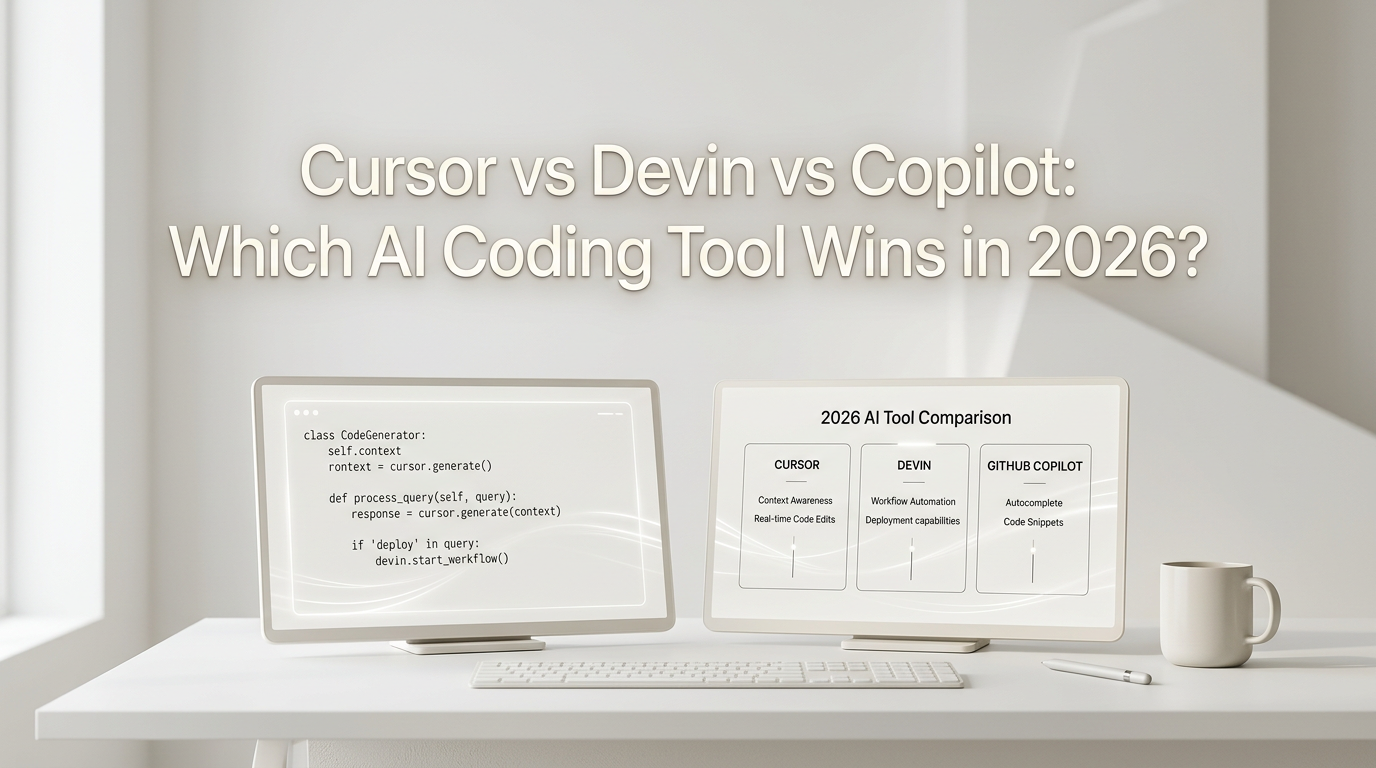
Three AI coding platforms shape the market in 2026: Cursor, GitHub Copilot, and Devin .
Here is what each one actually costs and does (Updated on July 12, 2026).
Pricing at a Glance
| Plan | Cursor | Copilot | Devin |
|---|---|---|---|
| Free | Hobby (limited Agent) | 2K completions/mo, Haiku + GPT-5 mini | Light quota, unlimited inline edits |
| Entry paid | $20/mo Pro | $10/mo Pro | $20/mo Pro |
| Mid tier | $60/mo Pro+ | $39/mo Pro+ | — |
| High tier | $200/mo Ultra | $100/mo Max | $200/mo Max |
| Teams | $40/user/mo | $19/user/mo | $80 base + $40/seat |
Copilot’s entry price is half of Cursor’s and Devin’s. Cursor and Devin both start at $20.
Cursor — $20/month
Cursor is a full VS Code fork but in 2026, it is way more than that! It gives deeper access to your project files and a faster agent loop than everything else.
Tiers (July 2026):
- Hobby (free): Limited Agent requests, limited Tab completions. No credit card.
- Pro ($20/mo): Extended Agent limits, frontier models, MCPs/skills/hooks, Cloud agents, Bugbot on usage billing.
- Pro+ ($60/mo): 3x Pro limits on Agent.
- Ultra ($200/mo): 20x Pro limits, priority feature access.
- Teams Standard ($40/user/mo): Centralized billing, team marketplace for rules/skills/plugins, Bugbot code reviews, Cloud agents with shared team context.
- Teams Premium ($120/user/mo): 5x Standard limits.
- Enterprise (custom): Pooled usage, SCIM, access controls, audit logs, AI code tracking API.
Models available: Composer 2.5 (Cursor owned and not available anywhere else!), Opus 4.8 (Anthropic), GPT-5.6 Sol (OpenAI), Gemini 3.1 Pro (Google), Grok 4.5 (xAI).
I have been using Cursor for more than a year now and the UI and UX of Cursor is way above any competitor. The recently introduced Agent window competes with the likes of Codex and Claude Code. Many benchmarks shows that Cursor agent harness is able to get the best results from each model. This is only achievable because they tune their harness according to each model they make available.
The catch: You have to use Cursor’s editor. If you’re happy with VS Code and just want an extension, the switching cost matters. The Pro limit on Agent requests is generous but not unlimited — heavy users push to Pro+ or Ultra.
Verdict: It is perhaps the best ai coding agent harness in the market. If you are doing professional development, coding daily and want the best codebase-aware agent, get Cursor.
GitHub Copilot — $10/month
Copilot has the widest reach of the three. It works inside VS Code, Visual Studio, JetBrains, Xcode, Neovim, Eclipse, Zed, and SQL Server Management Studio. In 2026 it also has a standalone Desktop App that doesn’t need an editor at all.
Tiers (July 2026):
- Free: 2,000 completions/month, Haiku 4.5 & GPT-5 mini, Copilot CLI.
- Pro ($10/mo): Unlimited completions, Cloud agent, Code review, $15/mo AI credits, third-party agents (Claude Code, Codex).
- Pro+ ($39/mo): Premium models (Opus), audit logs, 4x+ usage, $70/mo credits.
- Max ($100/mo): Priority access, 2.9x+ usage vs Pro+, $200/mo credits.
- Business ($19/user/mo): Pooled credits, IP indemnity, broad model catalog (Kimi K2.7, GPT-5.6 family).
Key features:
- Cloud Agent — assign Copilot as a GitHub issue assignee. It autonomously plans, explores, and executes.
- Third-Party Agents — Claude by Anthropic and OpenAI Codex are first-class assignable agents on GitHub.
- Agent Mode in IDE — available on all plans including Free.
- Copilot Code Review — AI-powered PR reviews.
- Copilot Desktop App — GA on all plans since Jul 7 (macOS/Windows/Linux).
- Copilot CLI — no longer needs a PAT in GitHub Actions.
Prior to June 2026, this was perhaps the most value for money coding subscription anybody can get, however, with the move to API pricing, the value of GitHub Copilot have reduced significantly. The UI and UX have improved quite a bit as compared to last year so if you want something cheap, you can still keep Copilot as a backup option!
The catch: The $10/mo Pro tier only gives you $15 in AI credits, heavy agent usage burns through that fast.
Verdict: At $10/mo it’s the cheapest entry point by half. For teams that are already on GitHub or Microsoft ecosystem, Business at $19/user/mo is the best value in this comparison.
Devin — $20/month
Devin is different from Cursor and Copilot. It is not an editor plugin or a fork. It is an AI software engineer that gets assigned tasks and works autonomously. You interact with it through a web dashboard or the Devin Desktop app.
Tiers (July 2026):
- Free: Light quota, limited models, unlimited inline edits and Tab completions.
- Pro ($20/mo): Increased quotas, full model availability (OpenAI, Claude, Gemini), SWE 1.7, Devin Cloud agents, up to 10 concurrent sessions.
- Max ($200/mo): Significantly higher quotas.
- Teams ($80/month base + $40/month per full Dev seat): Unlimited team members (flex seats free), sharing and collaboration, centralized billing, admin dashboard with analytics, priority support.
- Enterprise (custom): VPC deployment, SAML/OIDC SSO, enterprise admin controls, dedicated account team, custom terms.
What Devin does differently:
- Autonomous task execution — you describe what you want, Devin figures out the plan, writes the code, runs tests, and creates a PR. You review and merge.
- SWE 1.7 — Cognition’s latest software engineering model, included free on Pro and above.
- Devin Cloud — agents run in Cognition’s cloud, not on your machine. No local resource drain.
- DeepWiki — interactive codebase documentation.
- Devin API — programmatic access for CI/CD pipelines and automations.
- Ask Devin — Q&A about your codebase.
- Slack and Teams integrations — assign tasks from chat.
- Linear and Jira integrations — Devin can pick up tickets and work them.
- Security Swarm — a new product announced on devin.ai’s homepage: Devin can now coordinate multiple agents to find security vulnerabilities across a codebase.
The catch: Devin is the least “in your editor” of the three. You work through a web app or desktop client, not your IDE. For quick inline edits, Cursor or Copilot are faster. Devin shines on larger tasks but feels heavy for day-to-day coding. The Teams pricing ($80 + $40/seat) adds up fast compared to Cursor ($40/user/mo) or Copilot ($19/user/mo).
Verdict: If your work involves large-scale migrations, refactors, or autonomous task execution, Devin is in a category of its own. For everyday feature work inside an editor, Cursor or Copilot are better fits. The Free tier is generous enough to test it out.
So Which One?
| You should pick… | If… |
|---|---|
| Cursor | You want the best agent inside your editor. $20/mo Pro might be limiting but it is good to try. |
| Copilot | You want the best value ($10/mo) and editor flexibility, or you are stuck with the Microsoft ecosystem |
| Devin | You need an autonomous agent for large-scale tasks like migrations, refactors, security audits. |
All three have free tiers. All three are improving fast. Try each one out yourself and decide!